We strive to remain align with the latest nf-core template. This minimises the risk of pipelines becoming incompatible with nf-core modules and nf-core tools.
First read the nf-core overview page to get a sense of what the template update is.
Template synchronisation
When a new version of nf-core tools is released, one of our Nextflow "admins" (@gq1, @muffato, @prototaxites) needs to go to GitHub and trigger the following workflow.
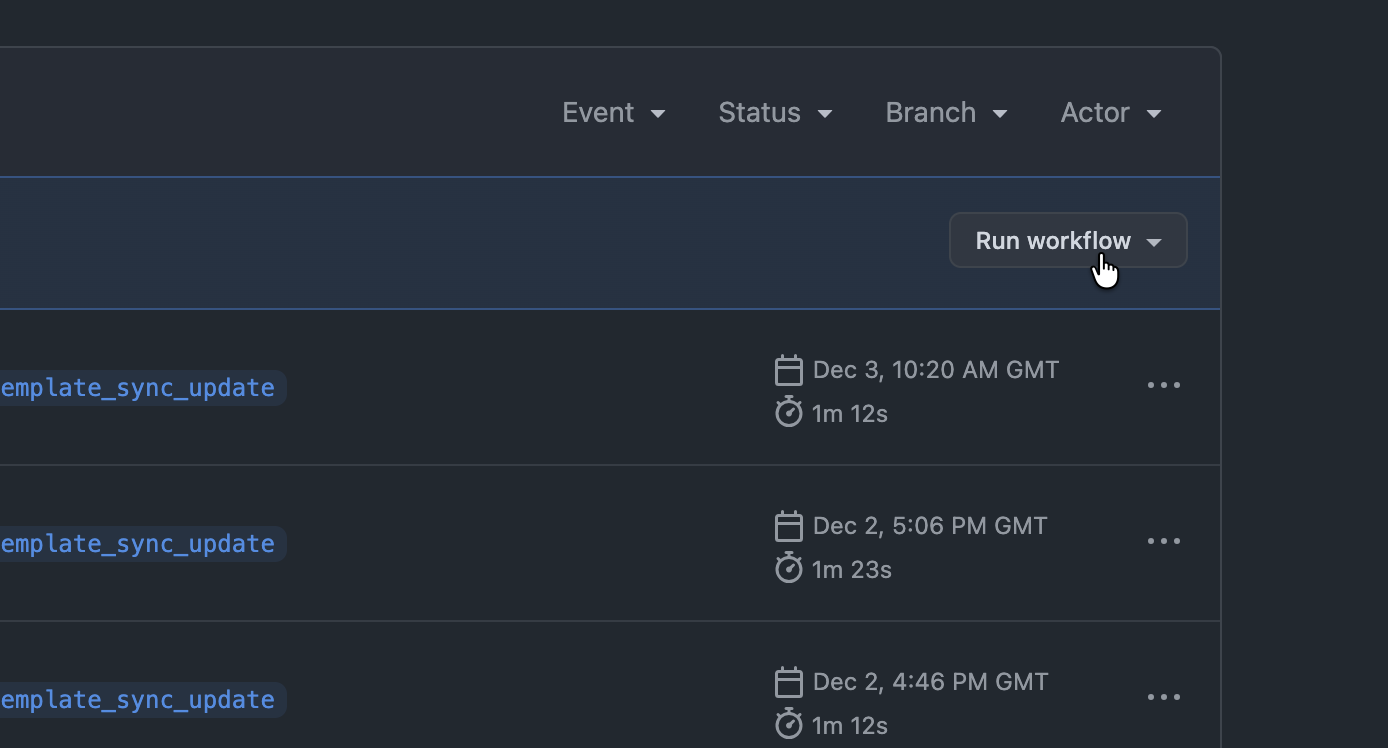
- Click on the "Run workflow" drop-down menu
- Click on the "Run workflow" button
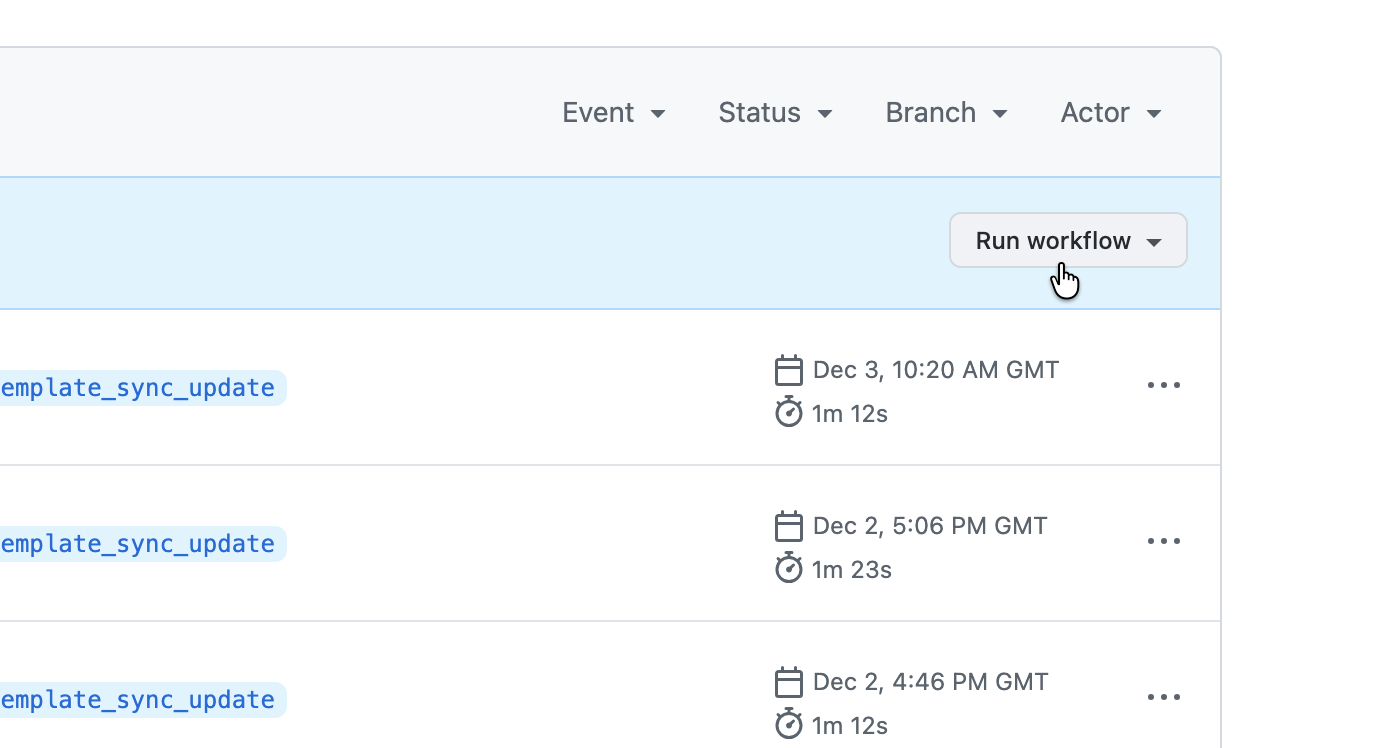
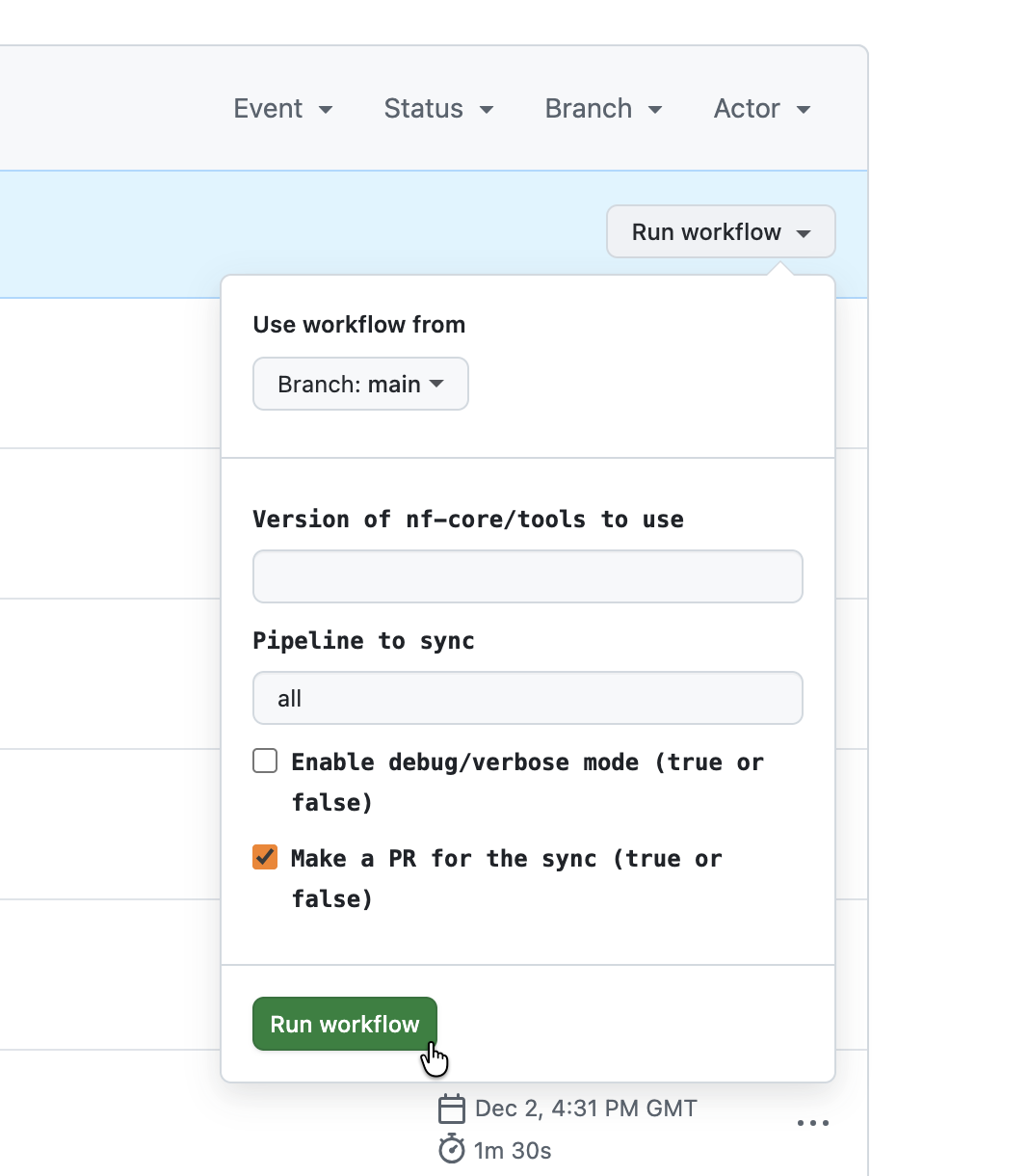
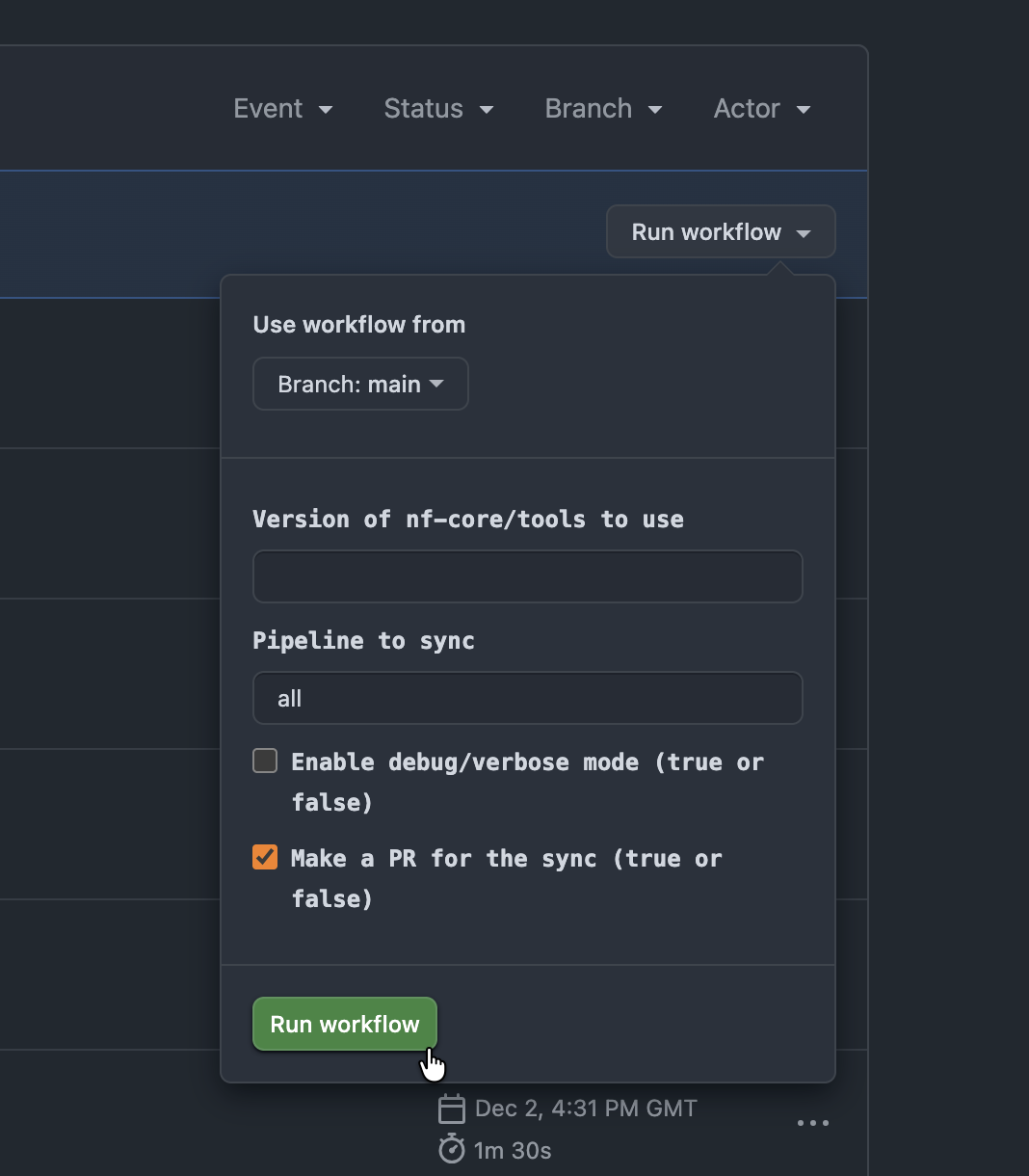
By default, it uses the latest nf-core version (empty version field) but you can specify a version, and it runs on all pipelines registered on this website ("all") but you can also specify a pipeline name (without the "sanger-tol" prefix).
This will trigger a GitHub action that will run the nf-core pipelines sync command
for each pipeline and:
- push the
TEMPLATEbranch - push a branch named
nf-core-template-merge-${VERSION}initially on the same commit asTEMPLATE - open a pull-request to merge
nf-core-template-merge-${VERSION}intodevnamed "Important! Template update for nf-core/tools $VERSION"
Pull-request review
If there are no merge conflicts on the PR, then that's great! Review the changes and merge the pull-request.
However, it is quite rare.
Most often there will be some conflicts.
If you're lucky, GitHub will have a button for resolving the conflicts.
Open it and solve the conflicts in GitHub.
This will commit to the nf-core-template-merge-${VERSION} branch.
Then let the tests run, and if everything passes,
you're good to approve the pull-request.
Sometimes, the conflicts are too large and can't be solved from GitHub.
You will have to go to your clone, update it, and checkout the nf-core-template-merge-${VERSION} branch.
Run git merge dev. This will fail and show the same conflicts as GitHub.
$ git checkout nf-core-template-merge-3.5.1
$ git merge dev
Auto-merging nextflow.config
CONFLICT (content): Merge conflict in nextflow.config
Auto-merging main.nf
CONFLICT (content): Merge conflict in main.nf
Auto-merging environment.yml
CONFLICT (content): Merge conflict in environment.yml
...
If you look at the current status, you will see the files that have merge conflicts that need resolving (Unmerged paths):
$ git status
On branch nf-core-template-merge-3.5.1
You have unmerged paths.
  (fix conflicts and run "git commit")
  (use "git merge --abort" to abort the merge)

Changes to be committed:

    modified:   .github/ISSUE_TEMPLATE/bug_report.md
    modified:   .github/ISSUE_TEMPLATE/feature_request.md
    modified:   .github/markdownlint.yml
    modified:   .gitignore
    new file:   bin/markdown_to_html.py
    deleted:    bin/markdown_to_html.r
    deleted:    conf/awsbatch.config

Unmerged paths:
  (use "git add/rm <file>..." as appropriate to mark resolution)

    both modified:   .github/CONTRIBUTING.md
    both modified:   .github/PULL_REQUEST_TEMPLATE.md
    both added:      .github/workflows/branch.yml
    both added:      .github/workflows/ci.yml
    both added:      .github/workflows/linting.yml
    deleted by them: .travis.yml
    both modified:   CHANGELOG.md
    both modified:   CODE_OF_CONDUCT.md
    both modified:   Dockerfile
    both modified:   README.md
    both modified:   assets/multiqc_config.yaml
    both modified:   bin/scrape_software_versions.py
    both modified:   conf/base.config
    both modified:   conf/igenomes.config
    both modified:   conf/test.config
    both modified:   docs/output.md
    both modified:   docs/usage.md
    both modified:   environment.yml
    both modified:   main.nf
    both modified:   nextflow.config
You now need to go through each of these files to resolve every merge conflict. Most code editors have tools to help with this, for example VSCode have built-in support.
Be careful when resolving conflicts.
Most of the time you will want to use the version from the nf-core-template-merge-${VERSION} branch,
but be aware that some of this new template code may need to be customised by your pipeline.
In other words, you may need to manually combine the two versions in to one new code block.
Check the tool release post on the nf-core blog. It often has instructions and tips to handle the merge conflicts of this particular version.
If you have any doubts, ask for help on Slack.
When all merge conflicts have been resolved and all files are staged, you can commit and push these changes as with any other new code:
git commit
git push
This page contains content copied from the nf-core website.